The short answer
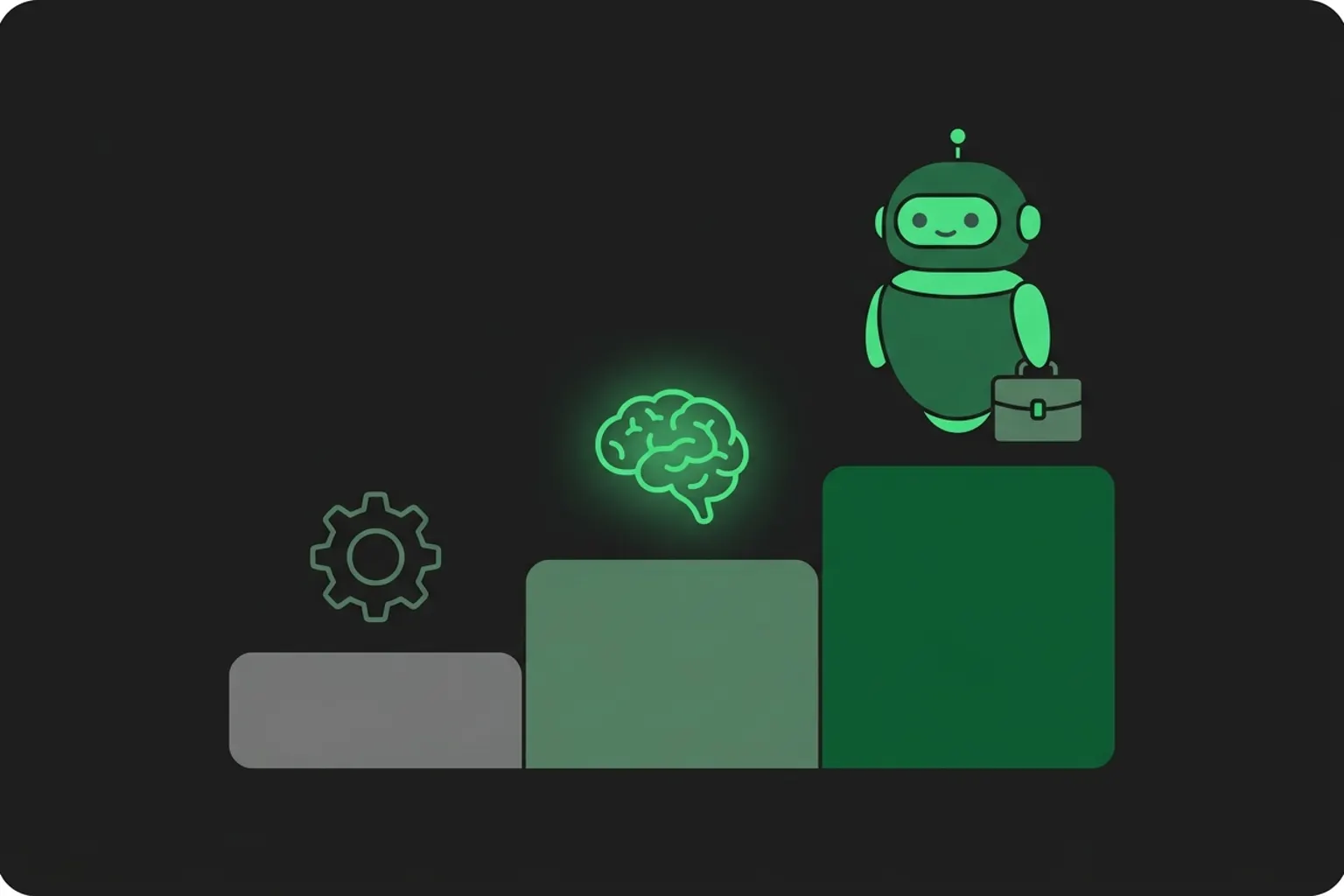
Automation is software following fixed rules. When X happens, do Y, the same way every time. It is built for repetitive, structured steps. AI is software that interprets and decides. Give it input nobody structured, a rambling email, a photographed delivery order, and it works out what the thing means. An AI agent is AI with tools and a goal. It acts across steps instead of making one decision: it reads the enquiry, drafts the quote, sends the follow-up, books the call. You do not have to pick a side. Most systems that pay for themselves run automation on the predictable steps with AI at the judgment points. So the buying question is where your money leaks. Repetitive structured work points to automation. Piles of unread documents and messages point to AI. And if whole conversations go cold before anyone replies, you are shopping for an agent.
Last updated: July 24, 2026. Cost bands and case numbers on this page are the ones we publish on 41labs.ai, read July 2026.
What is automation?
Automation is the if-this-then-that layer of a business. A person writes the rule once and software runs it forever. Every trigger, same action, which is exactly what you want from this layer.
Here is what it looks like in practice. An invoice lands in your inbox. The automation spots the attachment, files it in the supplier's folder, logs the amount in your accounting tool, and queues a payment reminder for three days before the due date. Four steps, zero typing, and it works exactly as well at 2am as at 2pm.
Tools like Zapier and Make sell this layer for S$50 to S$500 a month if you set them up yourself, the DIY band we cite across our own pricing pages, and for structured work that is excellent value. Forms into the CRM. Bookings into the calendar. Attachments into folders.
The limit shows up the moment input stops being tidy. Send that same workflow an invoice photographed at an angle with the total handwritten in a corner, and the rule has nothing to grab. It either does nothing or, worse, fires on the wrong field and files the invoice under the wrong supplier. Rules need structure, and a crooked photo does not give them any to work with.
What is AI, in business terms?
Skip the lab definition. For a business buyer, AI is software that can handle input nobody structured. It reads the thing, works out what the thing means, and makes a call a fixed rule could not.
Here is the message our quoting clients get twenty times a day: "hi can u quote 20 pcs of the 40mm one, same as last time but in black, need by fri." No form fields. No product code. Two abbreviations and an assumption about order history. A rule cannot parse that. A trained AI system reads it, matches "the 40mm one" against the catalogue, pulls the previous order to resolve "same as last time", and treats "fri" as this Friday.
So the job is to interpret, then decide. Plain AI stops at the decision, though. It will read a thousand messy documents beautifully, then sit and wait for something else to move the work along.
Custom AI in this shape, document reading, quote matching, message triage, runs S$7,000 to S$25,000 per project at a specialist firm like ours. That range and what it covers are on our AI automation agency page.
What is an AI agent?
An AI agent is AI holding tools and a goal. Same interpreting brain, but now it can check your price list, write to your CRM, send a WhatsApp message, and keep going until the job is finished or a human needs to step in.
The difference is easiest to see on a single enquiry. Plain AI reads the message and extracts the order. An agent reads the message, drafts a quote from your live prices, sends it, answers the "can you do better on price?" reply at 11pm, and books the site visit once the customer says yes. Nobody on your team touched the thread. And when the customer raises something the agent should not decide, a complaint, a price exception, it hands over to a human with a summary of the conversation so far.
People also use chatbot and agent interchangeably, and the two are not close. A chatbot walks a script tree somebody drew. An agent decides its next move. We wrote up the distinction in AI agent vs chatbot, and a plain-English tour of the machinery in how AI agents work.
Agents sit at the expensive end of the three because they do the most work and carry the most risk. Our own managed agent, 41 Closer, runs from S$690 a month plus a one-time build fee from S$4,800. That is the low end of the category, and the only reason it can be is that the build is productised rather than custom each time.
Sources: tool and project ranges as published on 41labs.ai's AI automation agency pages, agent pricing as published on the 41 Closer page, all read July 2026. Units differ across rows, monthly, per project, and monthly plus a one-time build, so bar lengths are indicative rather than exact conversions.
Which one do you actually need?
Match the tool to the leak. Most buyers who feel confused by the three terms are really just unsure which leak they have, so here is the sorting logic we use on first calls.
Buy automation when the work is repetitive and the input is structured. Invoices to file, form entries to copy into the CRM, reminders to send. One test we give prospects is whether a patient temp worker could do the task with a checklist and no judgment calls. If yes, a S$50 tool probably can too, and paying AI prices for it is a waste.
AI is the answer when the bottleneck is a human reading things. Enquiries, supplier documents, claims, resumes. The visible symptom is a queue of messages waiting for the one person who understands them, and you can price that queue in staff hours before you ever talk to a vendor.
You are shopping for an agent when the leak is conversations dying. Leads messaging at 9pm and hearing back at noon. Follow-ups that never happen because everyone is busy quoting. Reply speed and persistence cannot be fixed one step at a time. The fix has to cover the whole conversation and run outside office hours, and an agent is the only one of the three built for that.
And if the honest answer is a bit of everything, good. That is the normal case, and it is the next section.
Can you mix them?
Yes, and most of the time you should. Nearly every system we ship is automation with AI dropped in at the judgment points, because that is the cheapest architecture that survives contact with real input.
Our quoting build is the clean example, with the numbers published in the case write-up. Before the system, a salesperson spent up to 3 hours per quote. Read the enquiry, find the products, check the prices, build the document, send it. After, intake and document generation run as plain automation, and the two judgment steps in the middle, reading the messy request and matching it against the catalogue, run on AI. A human approves each quote before it goes out. Per-quote time fell from 3 hours to about 5 minutes, quoting errors dropped 90%, and the same team handled 35% more volume without a new hire.
Look at what the human still does in that system. Approving. That pattern has a name, augmentation: the AI does the reading and the drafting, and a person keeps the final decision. If you have seen "AI automation vs augmentation" argued about online, this is the entire argument. Full automation takes the person out of the step. With augmentation the person stays, minus the drudgery. Most businesses want augmentation at the risky steps, quotes, claims, anything customer-facing with money attached, and full automation everywhere else. That is exactly how the quoting system is wired, and a big part of why its error rate fell instead of rising.
Whether these mixed systems pay off in practice, including the honest failure cases, is a separate question. We answered it with numbers in does AI automation actually work.
Frequently asked questions
Is automation the same as AI?
No. Automation runs rules a person wrote in advance, so the same trigger always produces the same action. AI interprets input nobody structured and makes a decision no rule anticipated. A tool that files every incoming invoice into a folder is automation. A tool that reads a rambling enquiry email and works out the product, quantity, and deadline is AI. Vendors blur the two words because AI carries higher prices, so test any pitch with one question: what happens when the input varies? If the honest answer is that it breaks, you are buying automation, whatever the label says.
What is AI automation?
AI automation is the two combined: an automated workflow that uses AI at the steps needing judgment. The automation moves work between steps, and the AI reads, decides, or writes at the points where fixed rules fail. Most systems sold under the label are this mix. In our quoting build, intake and document generation are plain automation, while reading the request and matching it to the catalogue is AI. Together they cut per-quote time from 3 hours to about 5 minutes. Bought as a custom project, systems in this shape run S$7,000 to S$25,000.
What is the difference between an AI agent and automation?
Automation executes one predefined step each time a trigger fires, and it never deviates from the rule. An AI agent carries a goal across many steps and chooses its own actions along the way: read the enquiry, check the price list, draft the quote, chase the follow-up. When a customer replies with something unexpected, an automation stalls and an agent adapts. The costs reflect that gap. Automation tools run about S$50 to S$500 a month set up yourself, while a managed agent like our 41 Closer runs from S$690 a month plus a one-time build fee from S$4,800.
Is ChatGPT automation or AI?
ChatGPT is AI. It interprets whatever you type and generates a response, with no fixed rule mapping input to output, which is the opposite of how automation works. Out of the box it is not an agent for your business either, because it cannot see your price list, your CRM, or your WhatsApp. Connect a model like that to those tools, give it a goal and guardrails, and you have built an AI agent. That gap, between an app you chat with and a system wired into your operations, is where most of the cost in a S$7,000 to S$25,000 build goes.
Still not sure which one you need?
Send your situation to +65 8012 4848 on WhatsApp. What you sell, which process eats the hours, roughly what that costs you a month. The thing that replies is one of our agents running in production, so within two minutes you will know whether an agent handles your kind of conversation. And if the right answer for you is a S$50 automation tool, that is what we will tell you.